

Your First Frame Edit
Your first artwork for Samsung The Frame
Three artworks, chosen for three very different rooms. Try the one that feels like home on your TV, for free.
You can send up to 3 free artworks to your Frame — no card needed.

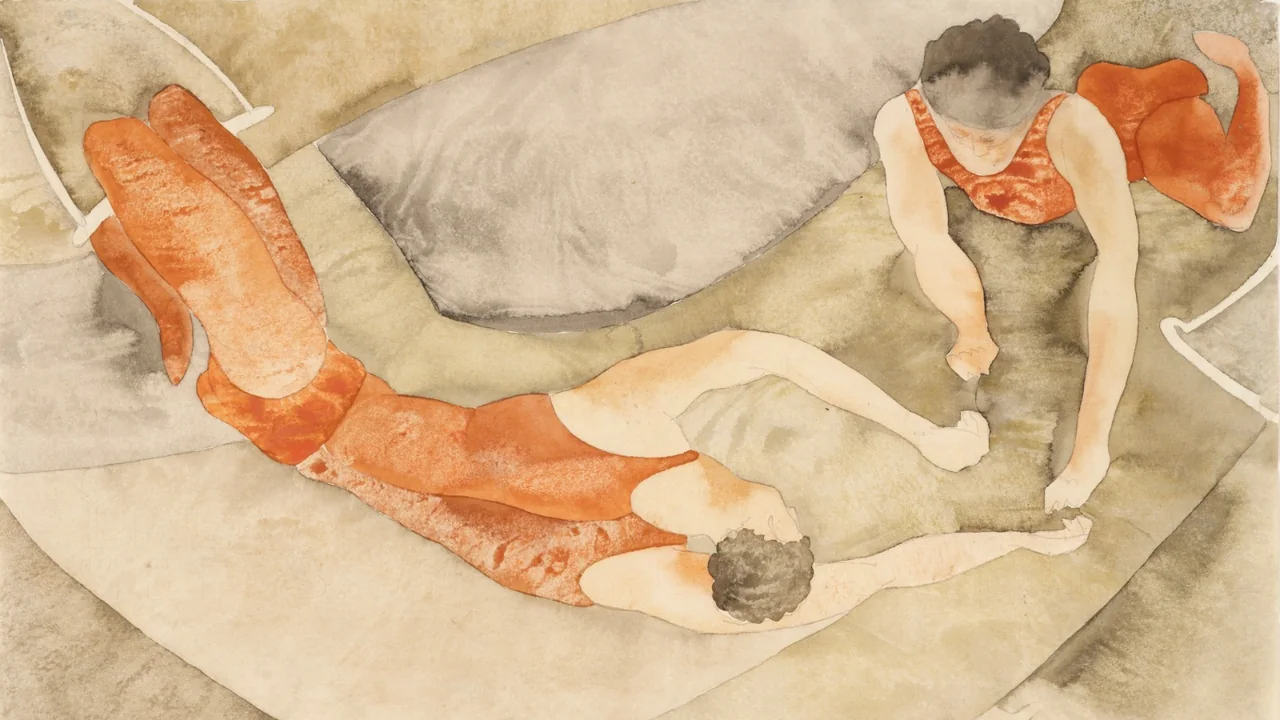
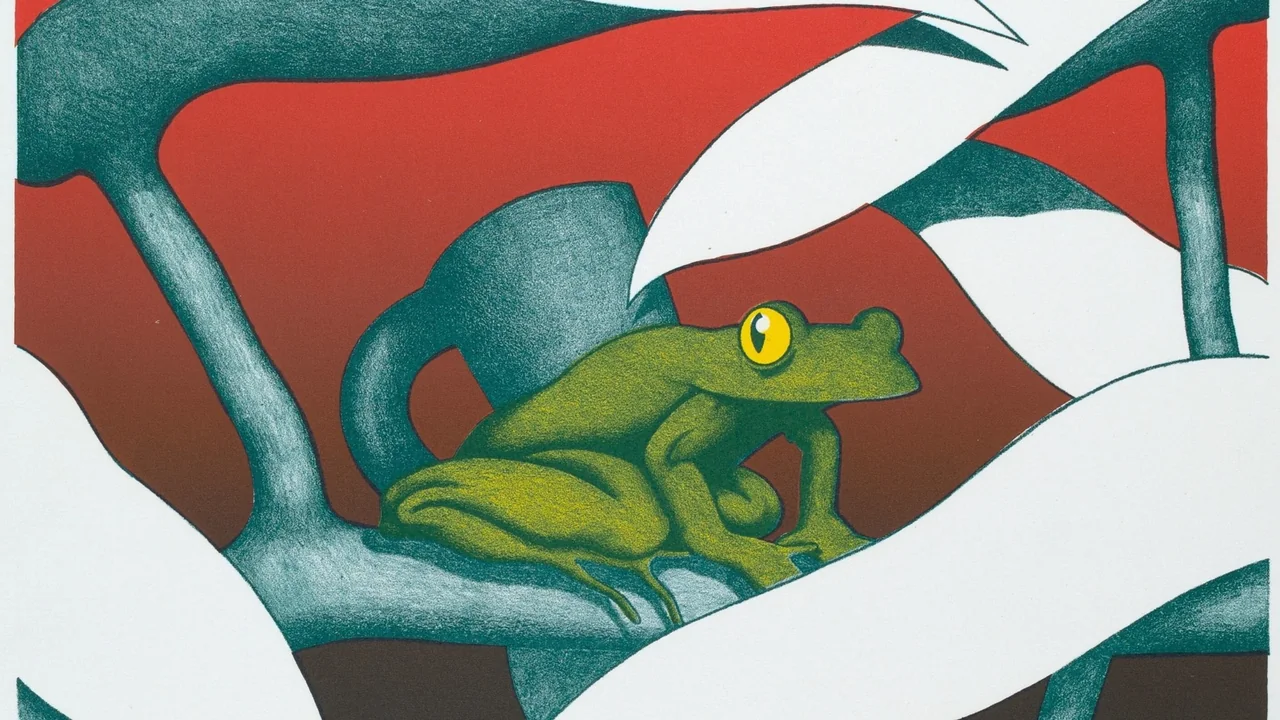
Find a look that feels like home
All three looks are free to send to your Frame.
Put it on your Frame
- 1 Open your chosen artwork in the MP Art app.
- 2 Connect your phone and Frame to the same Wi-Fi network.
- 3 Tap Send to TV and see how it looks in your room.
Still waiting for your TV to arrive?
We’ll email you a link to this page, so your first artwork is ready the day it arrives.
We only use your address to send this link. No newsletter.